You’ve woken up, the aroma of coffee is calling, but your coffee maker is in distress, all the lights are blinking. This can be a frustrating signal, often indicating that something isn’t quite right. But don’t worry, in most cases, how to fix coffee maker blinking all lights is a solvable problem that you can tackle yourself with a little patience and a systematic approach.
This guide will walk you through the common culprits and their fixes, ensuring you get back to brewing your favorite cup without a hitch.
When your coffee maker’s lights blink erratically, it’s essentially the appliance’s way of telling you it needs attention. It’s not usually a sign of a completely broken machine, but rather a temporary glitch or a specific condition that needs to be addressed. We’ll delve into the nuances of these blinking lights, looking at everything from simple power issues to more involved reset procedures, arming you with the knowledge to diagnose and resolve the problem effectively.
Understanding Why Coffee Maker Lights Blink
Before we dive into the fixes, it’s helpful to understand why your coffee maker might be displaying this blinking light show. Most modern coffee makers, especially those with digital displays or programmable features, use indicator lights to communicate their status. When all the lights start blinking simultaneously, it’s a universal signal that something is out of the ordinary.
Common reasons for this behavior include power surges or interruptions that can confuse the internal circuitry, a need for a system reset, an issue with the water reservoir not being properly seated or filled, or even a self-diagnostic warning that requires attention. Sometimes, it’s as simple as a loose connection or an error in the programming sequence. I’ve found that usually, the simplest explanations are the most common, so we’ll start there.
The First and Easiest Fix: The Power Cycle
The most straightforward solution is often the most effective. When faced with a blinking light problem on your coffee maker, the first thing you should try is a complete power cycle, often referred to as a “hard reset.” This is similar to rebooting your computer.
Simply unplug your coffee maker from the wall socket. Leave it unplugged for at least 60 seconds, and some experts even recommend up to five minutes to ensure all residual power is discharged from the internal components. This allows the machine’s electronics to reset and clear any temporary glitches or memory errors.
After the waiting period, plug the coffee maker back into a known-working outlet. Test if the lights have returned to their normal steady state and if the machine is responsive. If this simple step resolves the issue, you’ve successfully fixed your coffee maker blinking all lights!
Checking the Water Reservoir and Filter Basket
If the power cycle didn’t do the trick, the next common area to investigate is the water reservoir and the filter basket. Many coffee makers have safety features to prevent them from operating if these components aren’t correctly positioned or filled.
Ensure the water reservoir is filled to the minimum recommended line. Even if you think it’s full, take it out and reinsert it firmly. Sometimes, if it’s not seated properly, the machine won’t detect the water.
Similarly, check that the filter basket is correctly in place. If your coffee maker has a carafe, ensure it’s also seated properly on the warming plate, as some models won’t start if the carafe isn’t detected.
A misplaced reservoir or basket can trigger a cascade of errors, and blinking lights are often the visual cue. I’ve seen countless instances where a slightly askew reservoir was the culprit.
The Almighty Reset Button (If Available)
Some coffee maker models have a dedicated reset button. This button is often small, recessed, and may require a paperclip or a pointed object to press. Consult your coffee maker’s user manual to see if your model has one and where it’s located.
If you find a reset button, press and hold it for a few seconds (again, check your manual for the exact duration). This action forces a more comprehensive reset of the machine’s internal software. After pressing the reset button, you may need to unplug the machine for a minute and then plug it back in, as described in the power cycle step.
It’s about giving the electronics a clean slate.
Descaling Your Coffee Maker: A Crucial Maintenance Step
Mineral buildup, especially from hard water, can wreak havoc on your coffee maker’s plumbing and heating elements. Over time, this can lead to various operational issues, including the dreaded blinking all lights scenario. Descaling is the process of removing these mineral deposits, and it’s a vital part of coffee maker maintenance.
If you haven’t descaled your machine in a while, or if you have particularly hard water, this is a very likely cause. You can use a commercial descaling solution specifically designed for coffee makers, or a homemade solution using white vinegar.
To descale with vinegar:
- Fill the water reservoir with a mixture of equal parts white vinegar and water.
- Place a paper filter in the basket and put the empty carafe on the warming plate.
- Run a brew cycle halfway through.
- Turn off the coffee maker and let it sit for about 30 minutes to allow the vinegar solution to work on the mineral deposits.
- Turn the coffee maker back on and complete the brew cycle.
- Discard the vinegar-water solution and the paper filter.
- Run at least two to three full cycles with fresh water only to rinse out any lingering vinegar smell or taste.
This process might require multiple vinegar brews depending on the severity of the buildup. Regularly descaling your coffee maker, every 1-3 months depending on usage and water hardness, can prevent many issues, including blinking lights. For those with very hard water, consider looking into water softeners that can help with brewing operations.
Addressing Error Codes and Specific Model Issues
While blinking lights often signal a general problem, some coffee makers are designed to display specific error codes or sequences of blinking lights that correspond to particular issues. This is where your coffee maker’s user manual becomes invaluable.
Look for any unusual patterns in the blinking lights. Are they all blinking at the same speed? Is there a specific light that blinks differently?
Does a particular sequence repeat? If your manual lists specific error codes or blinking patterns, consult it to pinpoint the exact problem. Once you know the specific error, you can research more targeted solutions.
For instance, some advanced models might blink lights to indicate a problem with the heating element or a sensor malfunction. If the manual doesn’t help, a quick search online for your coffee maker’s make and model followed by “blinking lights” might yield results from other users who’ve experienced and solved the same issue.
Internal Component Checks (For the Adventurous)
This section is for those who are comfortable with basic appliance diagnostics and are willing to venture beyond simple troubleshooting steps. If you’ve tried everything else and are still staring at a sea of blinking lights, there might be an issue with an internal component.
Disclaimer: Proceed with caution. Always unplug your coffee maker before attempting any internal inspection. If you are not comfortable working with electrical components, it’s best to seek professional help or consider replacing the appliance.
Potential internal issues could include:
- Faulty Heating Element: If the heating element is failing, it might not be able to reach the correct temperature, triggering an error.
- Loose Wire Connections: Vibrations or age can cause wires to become loose, disrupting power flow to certain components.
- Damaged Temperature Sensor: A malfunctioning sensor that incorrectly reports the brew temperature can cause the machine to stop and signal an error.
- Main Control Board Issues: In more complex machines, the main circuit board itself might have a fault.
To check for loose connections, you would typically remove the outer casing of the coffee maker (referencing your manual or online disassembly guides) and visually inspect for any wires that appear disconnected. Gently ensure they are secure.
It’s important to note that diagnosing and replacing internal components like heating elements or control boards can be complex and may require specialized tools and knowledge.
When to Call It Quits: Repair vs. Replace
After exhausting all troubleshooting steps, if your coffee maker continues to blink all its lights, you might be facing a more serious internal defect. At this point, you’ll need to consider whether repairing the unit is cost-effective or if it’s time to invest in a new coffee maker.
Consider the age of your appliance, the cost of potential parts and professional repair services, and the price of a new machine. For older or very inexpensive coffee makers, replacement is often the more sensible option. High-end or complex espresso machines, however, might be worth repairing if the issue isn’t catastrophic.
If you decide to replace your coffee maker, take some time to research what features are most important to you. From single-serve brewers to programmable drip machines, the market offers a wide variety. For those who enjoy experimenting with different coffee styles, exploring top-rated food processors for grinding beans can also be a path to better coffee.
Frequently Asked Questions About Blinking Coffee Maker Lights
Q: My coffee maker is blinking all lights, but it just finished brewing. What could be wrong?
A: This can sometimes happen if the machine is still trying to cool down or if there’s a minor sensor reading that’s slightly off. A simple power cycle (unplugging for a minute) usually resolves this. If it persists, it might indicate a cooling element or sensor issue.
Q: Can a power surge cause all the lights on my coffee maker to blink?
A: Absolutely. A sudden surge or dip in power can disrupt the delicate electronics within your coffee maker, leading to a system error that manifests as blinking lights. This is why a power cycle is often the first and best fix.
Q: I have hard water. Is it definitely calcification causing the blinking lights?
A: Hard water contributes significantly to calcification, which is a very common reason for coffee maker malfunctions and blinking lights. Regularly descaling your machine is crucial if you have hard water. However, it’s not the only cause; always check other possibilities as well.
Q: My coffee maker manual doesn’t mention what the blinking lights mean. What should I do?
A: This can be frustrating. Your best bet is to search online for your specific coffee maker model number plus “blinking lights” or “error codes.” Many manufacturers also have support sections on their websites, or you can try contacting their customer service directly.
Q: Is it safe to continue using my coffee maker if the lights are blinking erratically?
A: It’s generally not recommended. The blinking lights indicate that the machine is not operating as intended, and continuing to use it could potentially lead to further damage or improper brewing. It’s best to troubleshoot and resolve the issue first.
Maintaining Your Coffee Maker to Prevent Future Issues
Preventing problems like blinking lights is always better than fixing them. Regular maintenance is key to ensuring your coffee maker performs reliably for years to come.
- Daily Cleaning: Rinse the carafe, filter basket, and brew head after each use. Wipe down the exterior of the machine.
- Weekly Deeper Clean: Wash removable parts with warm, soapy water and ensure all components are thoroughly dried.
- Regular Descaling: As mentioned, descaling every 1-3 months (or more frequently with hard water) is crucial for internal health.
- Use Filtered Water: If your tap water is particularly hard, using filtered water can significantly reduce mineral buildup.
- Read Your Manual: Familiarize yourself with your coffee maker’s specific care instructions. Some machines have dedicated cleaning cycles or unique maintenance requirements.
By adopting these simple habits, you can minimize the chances of encountering the frustrating scenario of a coffee maker with all its lights blinking. Understanding how to fix coffee maker blinking all lights is a valuable skill, but proactive care ensures you spend less time troubleshooting and more time enjoying your morning brew.
[stock image: diagram showing coffee maker parts and common troubleshooting areas]
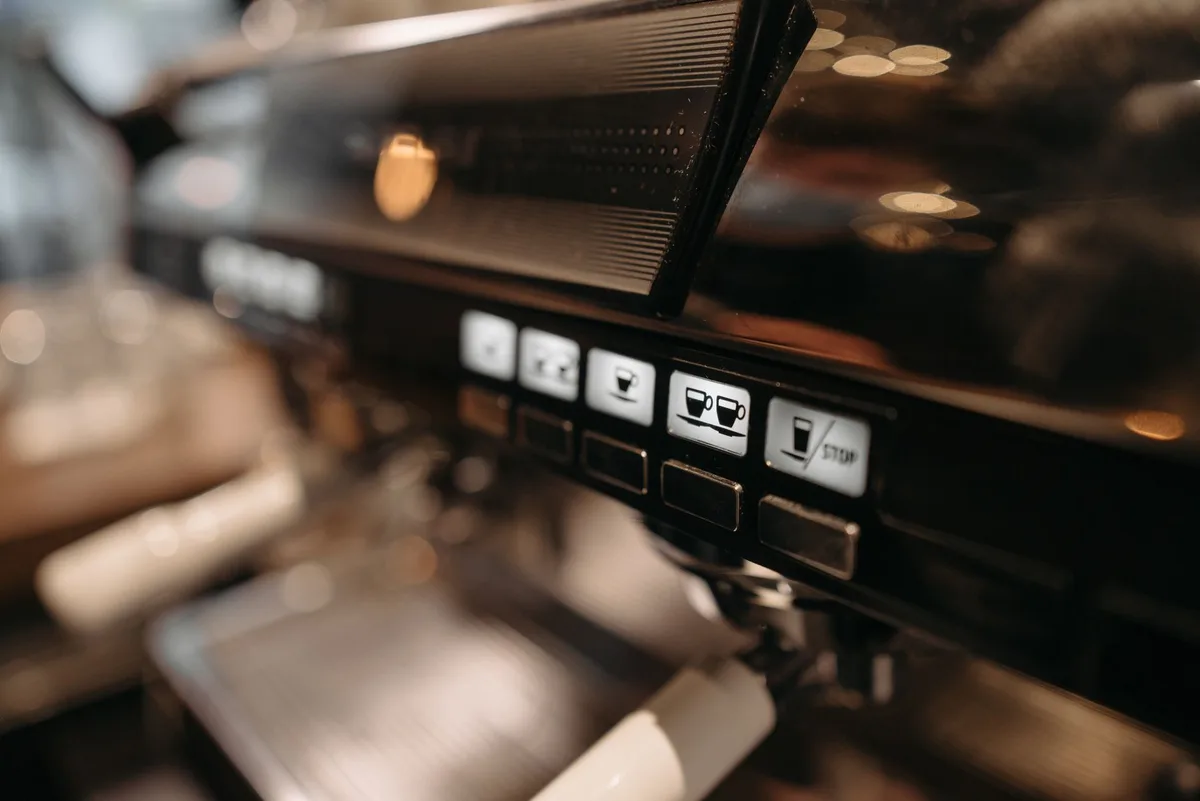
Image source: Pexels / Pavel Danilyuk (Pexels License)

Table of Contents