Getting your programmable coffee maker‘s water temperature just right is crucial for a perfect cup of coffee. Too cool, and you’ll end up with weak, sour coffee. Too hot, and you risk extracting bitter compounds, ruining those nuanced flavors you paid good money for.
While many modern programmable coffee makers come with pre-set temperatures, sometimes you need to fine-tune them. This article will guide you through how to calibrate water temperature on a programmable coffee maker, ensuring every brew is consistently delicious.
You might have noticed that not all coffee tastes the same, even when using the same beans and brewing method. A significant factor in this variation is water temperature. Coffee experts generally agree that the ideal brewing temperature range is between 195°F and 205°F (91°C to 96°C).
If your coffee maker‘s default setting falls outside this, or if you suspect it’s not heating accurately, calibration is the solution. Understanding this process is key to unlocking the full potential of your coffee beans.
This guide aims to demystify the calibration process for your programmable coffee maker. We’ll cover common methods, troubleshooting tips, and why maintaining the correct temperature matters so much for extraction. We won’t cover how to grind coffee beans or the best air fryer for reheating food, but we will ensure you know exactly how to get your coffee maker‘s water temperature perfect.
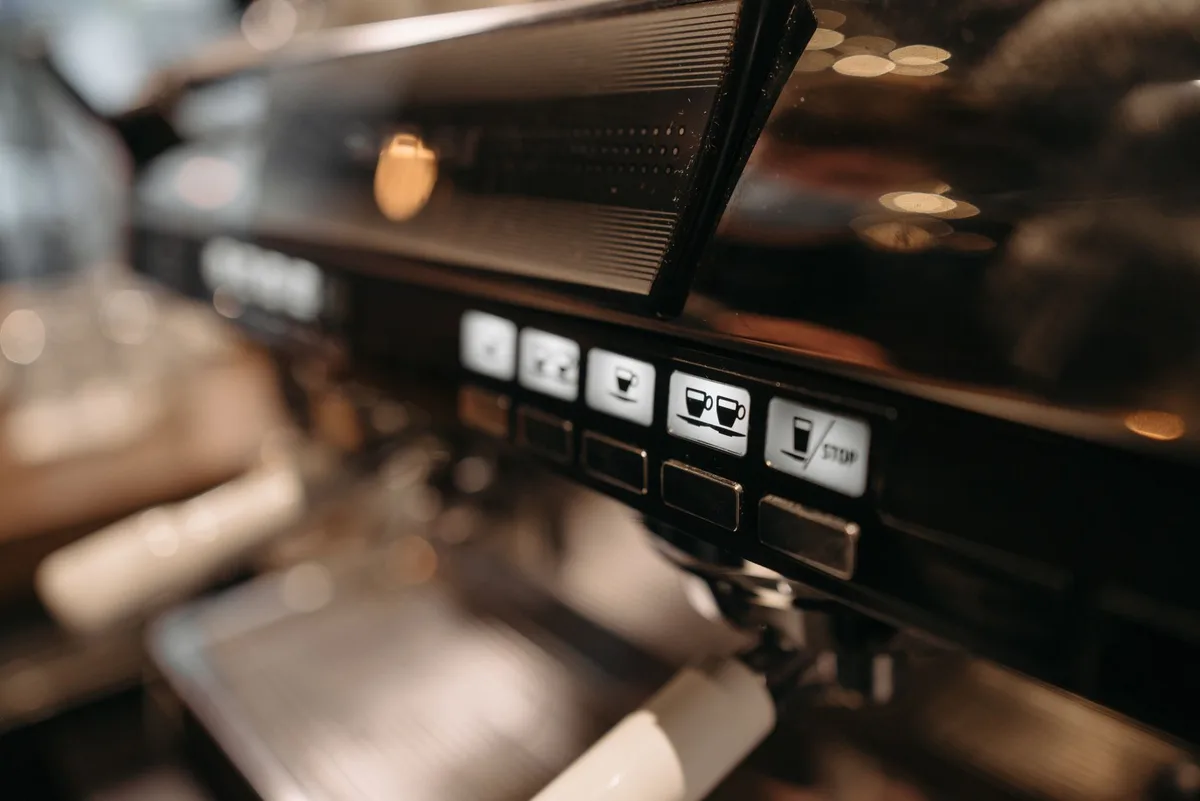
Why Water Temperature Matters for Coffee Brewing
Before diving into the “how,” let’s reinforce the “why.” Water temperature is one of the most critical variables in coffee brewing. It directly impacts extraction, which is the process of dissolving soluble compounds from coffee grounds into water.
When water is too cool, it doesn’t have enough energy to effectively extract these desirable compounds. This results in under-extraction, leading to a coffee that tastes sour, thin, and lacks body. You might detect a grassy or vegetal note, which is never ideal.
Conversely, water that is too hot can scorch the coffee grounds and extract undesirable compounds. This leads to over-extraction, resulting in a bitter, acrid, and sometimes even burnt-tasting coffee. The delicate aromatics and nuanced flavors of your coffee are lost.
The sweet spot, between 195°F and 205°F, allows for optimal extraction of the best flavors and aromas from your coffee grounds. This range ensures a balanced cup, highlighting the coffee’s inherent sweetness, acidity, and body without bitterness or sourness. Achieving this precise temperature is where coffee maker calibration comes into play.
Understanding Your Programmable Coffee Maker’s Temperature Controls
Not all programmable coffee makers are created equal, and neither are their temperature control capabilities. Some high-end models offer explicit temperature adjustment settings, allowing you to dial it in precisely. Others might have a fixed temperature that’s designed to be within the ideal range, but without an explicit calibration feature.
If your coffee maker has a digital display or dedicated buttons for temperature settings, you’re in luck. These are the models most likely to offer some form of recalibration or fine-tuning. You’ll typically find options listed under “settings,” “preferences,” or a similar menu.
For models without explicit temperature controls, it’s harder to calibrate. In these cases, the manufacturer has likely set a default temperature deemed optimal by their engineering team. If you suspect this default is incorrect, your options might be limited to ensuring the machine is properly maintained or considering a different model.
However, for the vast majority of programmable coffee makers that do offer control, let’s explore how to adjust that crucial water temperature.
Steps to Calibrate Water Temperature on Your Programmable Coffee Maker
Calibrating your coffee maker’s water temperature typically involves a few key steps, differing slightly based on your specific model. The overarching goal is to measure the actual output temperature and then adjust the machine’s internal settings to match your desired range.
1. Gather Your Tools
Before you begin, collect the necessary items. You’ll need:
- Your programmable coffee maker: Ensure it’s clean and ready for use.
- A reliable digital thermometer: A kitchen thermometer with a probe, or a candy thermometer, works well. Make sure it can accurately read temperatures between 180°F and 210°F (82°C to 99°C).
- A heat-resistant container: A glass measuring cup or a ceramic mug will do, something sturdy enough to hold hot water.
- Your coffee maker’s manual: This is invaluable, as specific instructions can vary significantly by brand and model.
2. Measure the Actual Brew Temperature
This is the detective work. You need to know what temperature your coffee maker is actually dispensing.
- Run a brew cycle without coffee. Fill the water reservoir to the normal brewing level. Place your heat-resistant container under the brew basket.
- Start a brew cycle. As soon as the hot water begins to dispense into the container, carefully place the probe of your digital thermometer into the stream of water. Try to get the probe submerged without touching the sides of the container or the bottom.
- Observe the reading. Allow the water to flow for a good 30 seconds to a minute, observing the temperature on your thermometer. What’s the highest stable reading you achieve? This is your current brew temperature.
- Repeat if necessary. For accuracy, you might want to run another cycle and measure again. Consistency is key.
3. Consult Your Coffee Maker’s Manual for Calibration Settings
This is where the specific model matters. Most programmable coffee makers that allow temperature adjustment will have a menu or a specific button combination to access these settings.
- Locate the temperature adjustment feature. This might be on a digital display, accessible through a “Settings” or “Menu” button, or by holding down a specific combination of buttons when powering on.
- Identify the calibration or adjustment option. Your manual will likely label this as “Temperature,” “Brew Temp,” “Calibration,” or “Offset.”
- Understand the adjustment scale. Some machines allow you to set a specific degree, while others might use an “offset” system (e.g., +1, -1, +2, -2) to adjust the default temperature up or down.
4. Adjust the Temperature Setting
Based on your thermometer reading and your manual’s instructions, you’ll now make the adjustment.
- If your machine displays Celsius or Fahrenheit, ensure it’s set to your preferred unit. This prevents confusion.
- If your measured temperature was too low (below 195°F): You’ll need to increase the target temperature. If your machine allows setting a specific degree, increase it by a few degrees (e.g., from 192°F to 198°F). If it uses an offset, select a positive offset (e.g., +1, +2).
- If your measured temperature was too high (above 205°F): You’ll need to decrease the target temperature. If setting a specific degree, lower it by a few degrees (e.g., from 208°F to 202°F). If using an offset, select a negative offset (e.g., -1, -2).
- If your machine has an “offset” system: A common range might be -3 to +3 degrees. Start with a small adjustment (e.g., +1 or -1) and re-test.
5. Test Your Calibration
After making an adjustment, it’s vital to re-test to see if you’ve hit the mark.
- Run another brew cycle without coffee. Use the same method as in step 2, measuring the dispensed water temperature.
- Compare the new reading to your desired range (195°F-205°F).
- Iterate as needed. You might need to make a few small adjustments and re-test a couple of times before you achieve your perfectly calibrated temperature. Patience here pays off in future coffee quality.
Troubleshooting Common Calibration Issues
Even with careful steps, you might encounter issues. Here’s how to address them:
“My Coffee Maker Doesn’t Have Temperature Settings”
As mentioned, some models simply don’t offer user-adjustable temperature. In this case, you can’t technically calibrate it yourself. Your best bet is to ensure the machine is clean and functioning optimally, as regular descaling and maintenance can sometimes improve heating element efficiency.
If temperature is a paramount concern, you might need to look at dedicated brewers or models explicitly advertised with precise temperature control.
“The Temperature Still Isn’t Right After Adjusting”
- Small Adjustments: Remember that small adjustments make a difference. If you make a big jump, you might overshoot. Try smaller increments.
- Thermometer Accuracy: Is your thermometer reliable? Test it with boiling water (it should read 212°F/100°C at sea level) or in ice water (should read 32°F/0°C).
- Machine Heating Element: It’s possible the heating element in your coffee maker is failing or not powerful enough to reach the desired temperature consistently. This is a more serious issue that might require professional service or a new machine.
- “Burn-in” Period: Some newer coffee makers might have a slight break-in period where temperatures can fluctuate a bit. Give it a few uses after calibration.
“The Machine Instructions Are Unclear”
This is frustrating, but common.
- Online Support: Search for your specific coffee maker model number on the manufacturer’s website. Look for FAQs, support articles, or downloadable manuals.
- Online Forums/Communities: Coffee enthusiast forums or consumer review sites often have discussions where users share tips and tricks for specific models.
- Customer Service: If all else fails, contact the manufacturer’s customer support. They can often provide model-specific guidance.
Factors Affecting Actual Brew Temperature (Beyond Calibration)
Even with a perfectly calibrated machine, other elements can influence your brew temperature and overall coffee extraction.
Water Quality
The mineral content and purity of your water play a role. Hard water, for instance, can lead to scale buildup in your coffee maker, which can impede the heating element and affect performance over time. Using filtered water can help maintain consistent heating and prevent scale.
This is why I always recommend using filtered water, particularly if you live in an area with very hard tap water.
Ambient Room Temperature
While a minor factor, extreme ambient temperatures can have a slight impact. Brewing in a very cold room might slightly cool the water as it travels through the machine and into the carafe. Conversely, a very hot environment has less impact.
Carafe Type and Preheating
A preheated carafe (warm it with hot water first) will help maintain the coffee temperature once it’s brewed, preventing rapid cooling. The material of the carafe also matters; glass carafes lose heat faster than thermal stainless steel ones.
Grind Size and Coffee-to-Water Ratio
These aren’t directly related to water temperature calibration, but they are critical for proper extraction.
- Grind Size: A finer grind has more surface area, leading to faster extraction. A coarser grind has less surface area and extracts more slowly.
- Coffee-to-Water Ratio: Using too much or too little coffee can imbalance the extraction.
If your coffee still tastes off after calibrating temperature, these are the next variables to investigate. For a deeper dive into optimizing your brew, check out our guide on achieving the perfect coffee grind which complements this temperature discussion.
Advanced Calibration Techniques and Considerations
For the truly discerning coffee aficionado, there are more advanced ways to approach temperature.
Using an Infrared Thermometer
For a quick, non-contact temperature check of the entire brew bed or the carafe, an infrared thermometer can be useful. However, for the water itself during the brewing process, a probe thermometer is more accurate.
“Target Temperature” vs. “Actual Output Temperature”
Manufacturers sometimes list a “target temperature” for their machines. This is what the machine aims for. Calibration is about ensuring the actual output water temperature is within your desired range.
Don’t confuse the two.
The Importance of Consistency for Programmable Coffee Makers
Programmable coffee makers offer the convenience of waking up to a fresh pot, but their true value for enthusiasts lies in their potential for control. Calibrating the water temperature is a key step in ensuring consistency. Once you’ve set your machine to the optimal temperature, you can rely on it to perform the same way every brew cycle.
This consistency is what allows you to experiment confidently with different coffee beans, grinds, and brewing methods, knowing that the water temperature is one less variable to worry about.
Think of it like preparing ingredients before cooking. Just as you’d ensure your food processor is clean and ready for preparing your ingredients, you want your coffee maker to be set up for success. For various kitchen tasks, understanding the right tool for the job is crucial, whether it’s the best food processor for grinding meat or ensuring your coffee maker’s temperature is just right.
When to Re-Calibrate Your Coffee Maker
You don’t necessarily need to calibrate your coffee maker every week. However, it’s a good idea to check every few months, or if you notice a significant change in your coffee quality.
- After Descaling: Descaling can sometimes mildly affect the heating element’s performance, so a quick re-check is wise.
- If Coffee Tastes Off: If your coffee suddenly starts tasting too bitter or too sour, re-measuring the water temperature is one of the first troubleshooting steps.
- If You Move the Machine: Significant shifts in elevation or environmental conditions could theoretically impact performance, though this is rare.
The Science Behind Optimal Coffee Water Temperature
The ideal brewing temperature for coffee isn’t an arbitrary number; it’s rooted in the chemistry of extraction. Water acts as a solvent, dissolving soluble compounds from the coffee grounds. Different compounds extract at different rates and at different temperatures.
- Acids: These extract earliest and at lower temperatures, contributing brightness and acidity. If extraction is too low, these can dominate, leading to sourness.
- Fats and Sugars: These extract in the mid-range, contributing body, sweetness, and aroma. This is the desirable flavor zone.
- Plant Fibers: These extract last and at higher temperatures, contributing bitterness. If the water is too hot or contact time is too long, these can become overly dominant.
The range of 195°F to 205°F (91°C to 96°C) is considered the sweet spot because it optimally balances the extraction of these different soluble compounds. It allows for sufficient extraction of the desirable acids, sugars, and fats while minimizing the extraction of bitter plant fibers. The Specialty Coffee Association (SCA) has established these guidelines based on extensive research and practical application within the coffee industry [1].
While the SCA guidelines are excellent benchmarks, personal preference can also play a role, and that’s where precise calibration becomes essential.
Final Thoughts on Achieving Coffee Perfection
Mastering the art of coffee brewing involves understanding and controlling key variables. While factors like bean origin, roast level, and grind size are vital, ensuring your programmable coffee maker heats water to the correct temperature is a foundational step. Achieving the optimal brew temperature between 195°F and 205°F is achievable with careful measurement and adjustment.
Don’t be discouraged if it takes a few tries to get your coffee maker calibrated perfectly. Each machine is a little different, and the process is about finding what works best for your specific unit and your taste. Once you’ve dialed in that precise temperature, you’re well on your way to consistently brewing exceptional coffee at home.
Remember, the journey to the perfect cup often involves a little bit of science, a bit of art, and a willingness to fine-tune your equipment. If you’re looking into optimizing other kitchen appliances, consider how precise temperature control also impacts culinary creations, such as perfectly cooked chicken breast in an air fryer.

Table of Contents